Ionic Vue 快速入门
欢迎!本指南将带领您了解 Ionic Vue 开发的基础知识。您将学习如何设置开发环境、生成简单项目、探索项目结构以及理解 Ionic 组件的工作原理。这是在构建第一个真实应用之前熟悉 Ionic Vue 的完美方式。
如果您想了解 Ionic Vue 是什么以及它如何融入 Vue 生态系统的高级概述,请参阅 Ionic Vue 概述。
前提条件
在开始之前,请确保您的机器上已安装 Node.js 和 npm。 您可以通过运行以下命令检查:
node -v
npm -v
如果您还没有安装 Node.js 和 npm,请下载 Node.js(其中包含 npm)。
使用 Ionic CLI 创建项目
首先,安装最新的 Ionic CLI:
npm install -g @ionic/cli
然后,运行以下命令来创建并运行一个新项目:
ionic start myApp blank --type vue

cd myApp
ionic serve
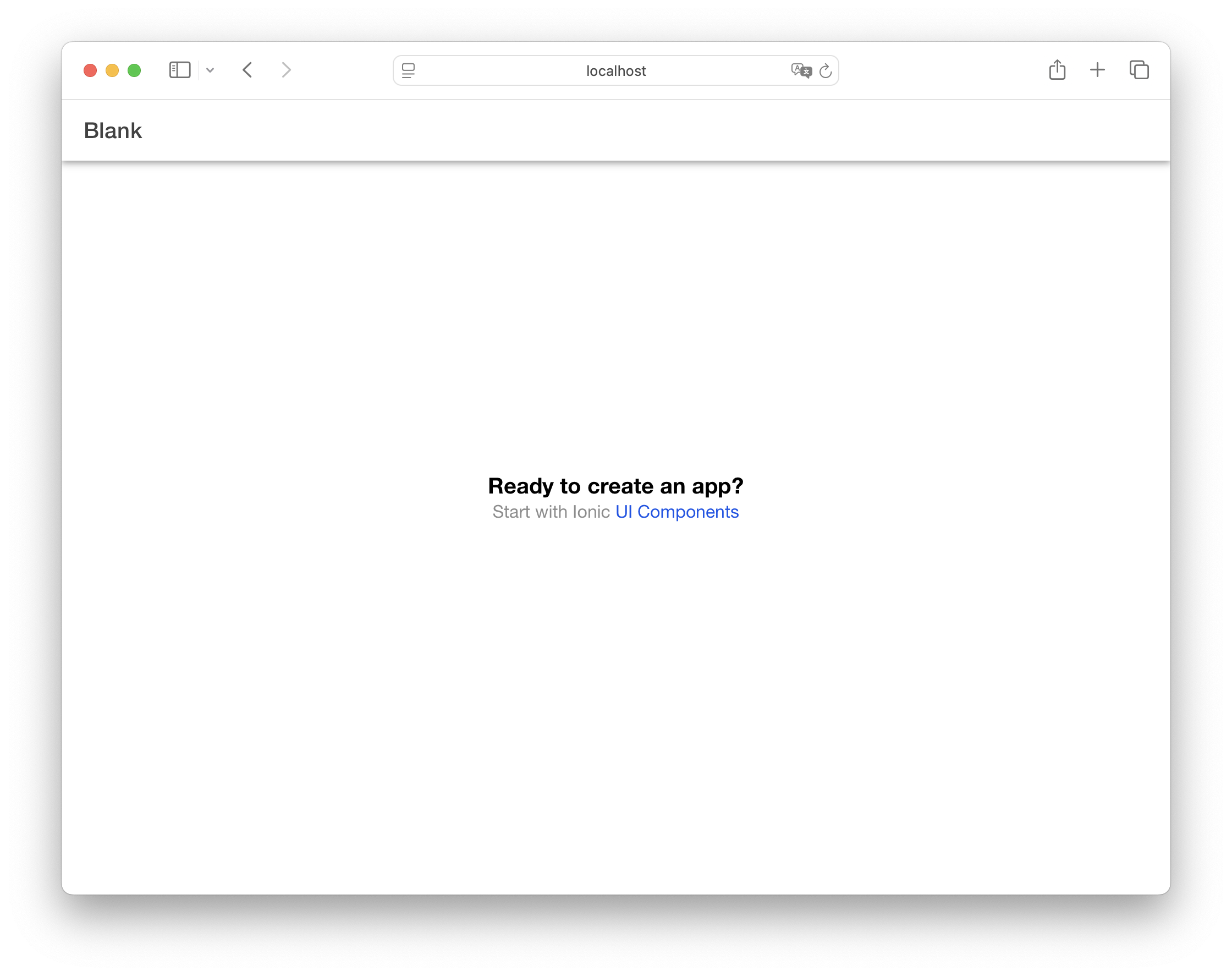
运行 ionic serve 后,您的项目将在浏览器中打开。
探索项目结构
您的新应用目录结构如下:
└── src/
    ├── App.vue
    ├── main.ts
    ├── router
    │   └── index.ts
    └── views
       └── HomePage.vue
以下示例中的所有文件路径都是相对于项目根目录的。
让我们逐一了解这些文件以理解应用的结构。
查看应用组件
应用的根组件定义在 App.vue 中:
<template>
  <ion-app>
    <ion-router-outlet />
  </ion-app>
</template>

<script setup lang="ts">
import { IonApp, IonRouterOutlet } from '@ionic/vue';
</script>
这设置了应用的根结构,使用 Ionic 的 ion-app 和 ion-router-outlet 组件。路由出口是页面显示的位置。
查看路由
路由在 router/index.ts 中定义:
import { createRouter, createWebHistory } from '@ionic/vue-router';
import { RouteRecordRaw } from 'vue-router';
import HomePage from '../views/HomePage.vue';

const routes: Array<RouteRecordRaw> = [
  {
    path: '/',
    redirect: '/home',
  },
  {
    path: '/home',
    name: 'Home',
    component: HomePage,
  },
];

const router = createRouter({
  history: createWebHistory(import.meta.env.BASE_URL),
  routes,
});

export default router;
当您访问根 URL (/) 时,将加载 HomePage 组件。
查看首页
首页组件定义在 HomePage.vue 中,它导入 Ionic 组件并定义了页面模板:
<template>
  <ion-page>
    <ion-header :translucent="true">
      <ion-toolbar>
        <ion-title>Blank</ion-title>
      </ion-toolbar>
    </ion-header>

    <ion-content :fullscreen="true">
      <ion-header collapse="condense">
        <ion-toolbar>
          <ion-title size="large">Blank</ion-title>
        </ion-toolbar>
      </ion-header>

      <div id="container">
        <strong>Ready to create an app?</strong>
        <p>
          Start with Ionic
          <a target="_blank" rel="noopener noreferrer" href="https://ionicframework.com/docs/components"
            >UI Components</a
          >
        </p>
      </div>
    </ion-content>
  </ion-page>
</template>

<script setup lang="ts">
import { IonContent, IonHeader, IonPage, IonTitle, IonToolbar } from '@ionic/vue';
</script>

<!-- ...样式... -->
这会创建一个带有标题和可滚动内容区域的页面。第二个标题显示一个可折叠大标题,当内容区域滚动到顶部时显示,向下滚动时会折叠为第一个标题中的小标题。
添加 Ionic 组件
您可以使用更多 Ionic UI 组件来增强首页。例如,在 ion-content 的末尾添加一个 Button:
<ion-content>
  <!-- 现有内容 -->

  <ion-button>Navigate</ion-button>
</ion-content>
然后,在 <script> 标签中导入 IonButton 组件:
<script setup lang="ts">
import { IonButton, IonContent, IonHeader, IonPage, IonTitle, IonToolbar } from '@ionic/vue';
</script>
添加新页面
创建一个新页面 NewPage.vue:
<template>
  <ion-page>
    <ion-header :translucent="true">
      <ion-toolbar>
        <ion-buttons slot="start">
          <ion-back-button default-href="/"></ion-back-button>
        </ion-buttons>
        <ion-title>New</ion-title>
      </ion-toolbar>
    </ion-header>

    <ion-content :fullscreen="true">
      <ion-header collapse="condense">
        <ion-toolbar>
          <ion-title size="large">New</ion-title>
        </ion-toolbar>
      </ion-header>
    </ion-content>
  </ion-page>
</template>

<script setup lang="ts">
import { IonBackButton, IonButtons, IonContent, IonHeader, IonPage, IonTitle, IonToolbar } from '@ionic/vue';
</script>
这会创建一个在 Toolbar 中包含返回按钮的页面。返回按钮会自动处理导航到上一页,如果没有历史记录则导航到 /。
创建自己的页面时,始终使用 ion-page 作为根组件。这对于页面之间的正确过渡、Ionic 组件依赖的基础 CSS 样式以及应用中一致的布局行为至关重要。
导航到新页面
要导航到新页面,先为其创建路由。在 router/index.ts 中 HomePage 导入之后添加导入:
import NewPage from '../views/NewPage.vue';
然后,在 routes 数组中添加其路由:
const routes: Array<RouteRecordRaw> = [
  {
    path: '/',
    redirect: '/home',
  },
  {
    path: '/home',
    name: 'Home',
    component: HomePage,
  },
  {
    path: '/new',
    name: 'New',
    component: NewPage,
  },
];
完成后,更新 HomePage.vue 中的按钮:
<ion-button router-link="/new">Navigate</ion-button>
导航也可以通过 Vue Router 以编程方式执行,路由可以延迟加载以获得更好的性能。更多信息请参阅 Vue 导航文档。
为新页面添加图标
Ionic Vue 预装了 Ionicons。您可以通过设置 ion-icon 组件的 icon 属性来使用任何图标。
更新 NewPage.vue 中的导入,以导入 IonIcon 以及 heart 和 logoIonic 图标:
<script setup lang="ts">
import { IonBackButton, IonButtons, IonContent, IonHeader, IonIcon, IonPage, IonTitle, IonToolbar } from '@ionic/vue';
import { heart, logoIonic } from 'ionicons/icons';
</script>
然后,将它们放在 ion-content 内部:
<ion-icon :icon="heart"></ion-icon>
<ion-icon :icon="logoIonic"></ion-icon>
请注意,我们传递的是导入的 SVG 引用,而不是图标名称字符串。
更多信息,请参阅 图标文档 和 Ionicons 文档。
调用组件方法
让我们添加一个可以将内容区域滚动到底部的按钮。
更新 NewPage.vue,在 ion-content 上添加一个 ref,在现有图标之后添加一个按钮和一些项目:
<ion-content ref="content">
  <ion-button @click="scrollToBottom">Scroll to Bottom</ion-button>

  <!-- 添加大量内容以便实现滚动 -->
  <ion-item v-for="i in 50" :key="i">
    <ion-label>Item {{ i }}</ion-label>
  </ion-item>
</ion-content>
在脚本部分,添加新的组件导入并定义 scrollToBottom 函数:
<script setup lang="ts">
import {
  IonBackButton,
  IonButtons,
  IonButton,
  IonContent,
  IonHeader,
  IonIcon,
  IonItem,
  IonLabel,
  IonPage,
  IonTitle,
  IonToolbar,
} from '@ionic/vue';
import { heart, logoIonic } from 'ionicons/icons';
import { ref } from 'vue';

const content = ref();

const scrollToBottom = () => {
  content.value.$el.scrollToBottom(300);
};
</script>
要调用 Ionic 组件上的方法:
- 为组件创建一个
ref - 通过
$el访问底层的 Web Component - 在 Web Component 上调用方法
这种模式是必要的,因为 Ionic 组件是作为 Web Component 构建的。$el 属性让您可以访问定义了方法的实际 Web Component 实例。
您可以在每个组件的 API 文档的 Methods 部分找到可用的方法。
在设备上运行
Ionic 的组件在任何地方都能工作:iOS、Android 和 PWA。要部署到移动端,请使用 Capacitor:
ionic build
ionic cap add ios
ionic cap add android
在 IDE 中打开原生项目:
ionic cap open ios
ionic cap open android
更多信息请参阅 Capacitor 的入门指南。
使用 TypeScript 或 JavaScript 构建
Ionic Vue 项目默认使用 TypeScript 创建,但如果您愿意,可以轻松转换为 JavaScript。生成一个空白的 Ionic Vue 应用后,请按照以下步骤操作:
- 移除 TypeScript 依赖:
npm uninstall --save typescript @types/jest @typescript-eslint/eslint-plugin @typescript-eslint/parser @vue/cli-plugin-typescript @vue/eslint-config-typescript vue-tsc
-
将所有
.ts文件的扩展名改为.js。在一个空白的 Ionic Vue 应用中,这包括src/router/index.ts、src/main.ts以及tests目录中的文件。 -
在
index.html中,将导入的<script>文件从/src/main.ts改为/src/main.js。 -
从
.eslintrc.js中移除@vue/typescript/recommended和@typescript-eslint/no-explicit-any: 'off'。 -
从
src/router/index.js中移除Array<RouteRecordRaw>和RouteRecordRaw的导入。 -
移除 Vue 组件中
<script>标签上的lang="ts"。在一个空白的 Ionic Vue 应用中,这应该只涉及src/App.vue和src/views/HomePage.vue。 -
删除
tsconfig.json和vite-env.d.ts。 -
在 package.json 中,将构建脚本从
"build": "vue-tsc && vite build"改为"build": "vite build"。 -
安装 terser:
npm i -D terser。
探索更多
本指南涵盖了创建 Ionic Vue 应用、添加导航以及介绍用于原生构建的 Capacitor 的基础知识。要深入学习,请查阅:

使用 Ionic Vue 和原生设备功能构建一个真实的相册应用。

从官方 Vue 文档中了解更多关于 Vue 核心概念、工具和最佳实践的信息。

了解如何使用 Vue Router 在 Ionic Vue 应用中处理路由和导航。

探索 Ionic 丰富的 UI 组件库,用于构建精美的应用。

了解如何使用 Ionic 强大的主题系统自定义应用的外观和风格。

探索如何使用原生设备功能,并通过 Capacitor 将应用部署到 iOS、Android 和 Web。